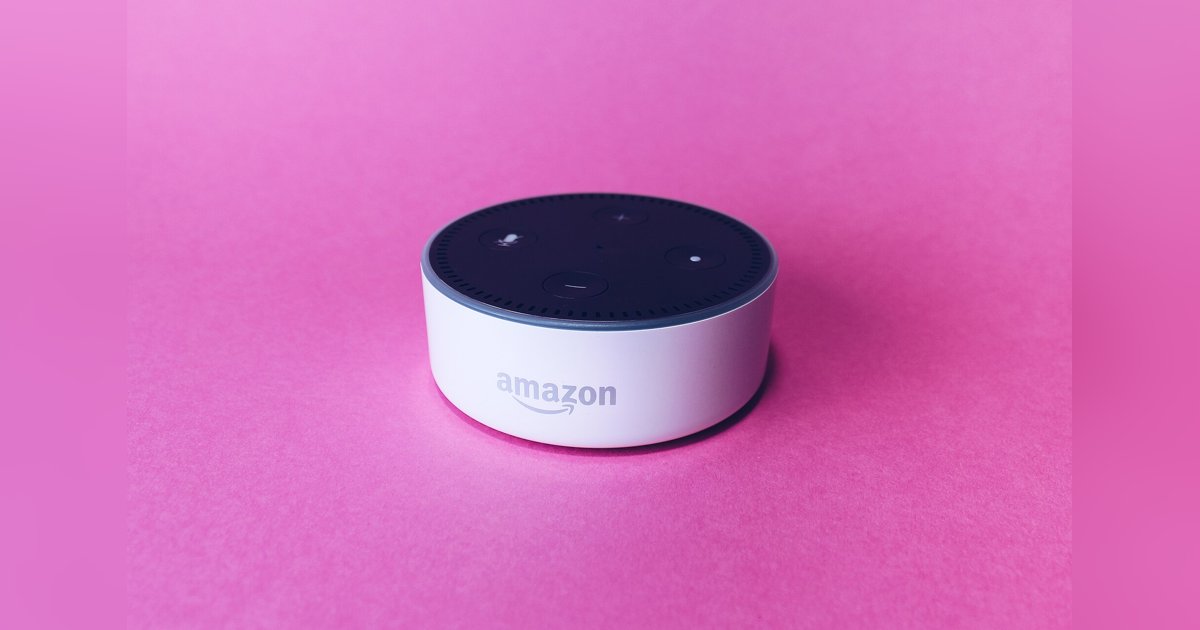
A small cylinder on the kitchen counter that answers questions, plays music and sets timers is undeniably handy. It is also a microphone in your home, which is why smart speaker privacy deserves a few minutes of attention. The good news is that you have more control than most owners realize.
How these devices listen
Smart speakers are designed to wait for a wake word, such as the assistant’s name. Until they hear it, a small piece of on-device software scans the audio in a short temporary buffer, discarding it continuously. Once the wake word is detected, the device starts sending what you say to the company’s servers, where it is converted to text and processed to produce a reply.
False activations do happen. Words that sound like the wake word, or background television dialogue, can occasionally start a recording you never intended. Manufacturers have acknowledged this, and it is one reason the history of recordings is worth reviewing.
What gets stored
Typically, an account linked to the speaker keeps a history of your voice requests, and sometimes the audio itself, along with the device’s responses and related data such as location and linked services. Companies say they use this to improve accuracy and personalize results. Policies differ by brand and have changed over the years, so read the current terms rather than relying on old news stories.
Some providers have also used human reviewers to check samples of recordings for quality, which caused controversy in past years. Most now offer settings to opt out of that, though defaults vary.
Settings that improve smart speaker privacy
Open the companion app or your account privacy dashboard and look for these options.
- Review and delete history. You can usually view requests and remove them individually or all at once.
- Auto-delete. Many services let you set recordings to delete after a few months or not be saved at all.
- Opt out of human review or model training. Look for wording about improving services using voice recordings.
- Mute button. The physical switch cuts power to the microphones, and a light usually shows when it is on. Use it during sensitive conversations.
- Voice purchasing controls. Require a PIN so a guest, a child or a television cannot place orders.
- Disconnect unused skills and linked accounts. Every connected service is another place your data may travel.
Placement and household etiquette
Where you put the speaker matters. Keep it out of bedrooms and home offices where you take private calls. Place it away from windows if you worry about outside voices triggering it. Tell visitors that a voice assistant is present, particularly in shared homes or rental properties, because other people did not consent to being near a microphone.
If you have children, check the family settings. Some providers have child-focused modes and parental dashboards, and laws like COPPA in the United States regulate data collected from young children.
Network security counts too
A secure speaker still depends on a secure home network. Change the default router password, use a strong Wi-Fi passphrase, and install firmware updates for the router and the speaker. If your router supports a guest network, put smart gadgets there so that a compromised device cannot reach your laptops.
Protect the account itself with a unique password and two-factor sign-in, because anyone who accesses it can see your history.
Is smart speaker privacy worth the trouble?
That depends on what you value. If you use the speaker mainly for timers, weather and music, you may feel comfortable with moderate settings. If you discuss sensitive topics at home, you might prefer to mute the microphone by default or skip the device altogether. Some people choose speakers with on-device processing or open-source assistants that keep more data local, though they can be harder to set up.
A sensible plan takes ten minutes. Check the privacy dashboard, switch on auto-delete, enable a purchase PIN and learn where the mute button is. Smart speaker privacy is not all or nothing; a few deliberate choices let you enjoy the convenience while keeping control of what the device remembers about your household.
For more background, see the Wikipedia article.