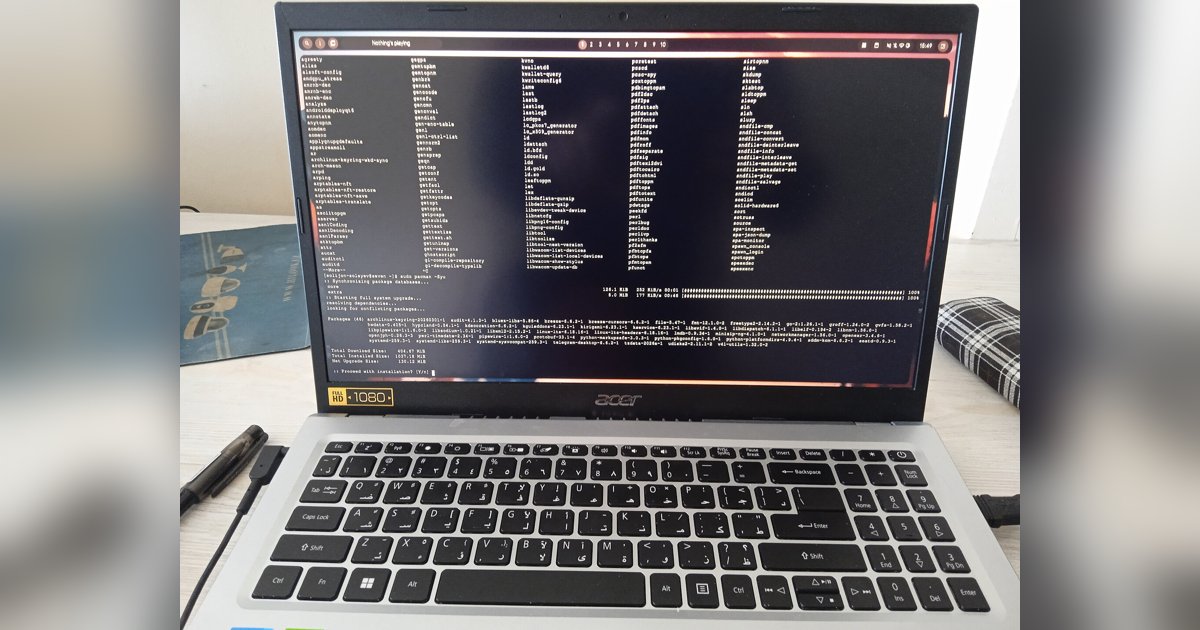
The pop-up that says an update is ready tends to arrive at the worst moment, so most of us click remind me tomorrow. A week later it is still waiting. Developing sensible software update habits is one of the most effective, least glamorous things you can do for your digital life, and it does not take much time.
Why updates matter
Updates do several jobs. The most important is fixing security vulnerabilities, which are flaws that attackers can exploit to steal data or take control of a device. Once a fix is published, criminals study it and build attacks aimed at people who have not applied it. That is why delay carries risk.
Updates also repair bugs, improve battery life and compatibility, and sometimes add features. Occasionally they change an interface in ways you dislike, which explains some of the reluctance. But the security argument usually outweighs the annoyance.
What needs updating
People think of the phone and laptop operating system, but the list is longer.
- Operating systems on phones, tablets and computers.
- Web browsers and their extensions, which handle a huge amount of untrusted content.
- Apps, especially those handling money, messaging or files.
- Router firmware, which protects your whole network and is often forgotten.
- Smart home devices such as cameras, plugs and TVs.
- Office and creative software on your computer.
Devices that no longer receive updates become a growing risk. Check your manufacturer’s support page for an end-of-support date before buying and plan to replace gear that has passed it.
Turn on automatic updates
The simplest of all software update habits is letting the machine do the work. Enable automatic updates for the operating system, browser and apps wherever the option exists. Set an installation window overnight, when the device is plugged in and idle.
Automatic updates do carry a small chance of problems, but for most home users the protection is worth it. Businesses with specialist tools may want to test first, which is why IT departments often stage rollouts.
When it is fine to wait a few days
There is a case for patience with major version upgrades, such as a new yearly release of an operating system. Early versions sometimes ship with bugs, and compatibility with older apps or printers may lag. Waiting a couple of weeks and reading reports is reasonable, as long as you keep installing the smaller security patches in the meantime. For critical security fixes, though, update promptly.
A calm routine for software update habits
Instead of reacting to alerts, schedule it. Pick a day each month, perhaps the first Sunday, and run through a short list.
- Check the operating system update page on each computer and phone.
- Open the app store and update everything pending.
- Restart each device, since some updates only finish after a reboot.
- Log in to your router and confirm the firmware version, updating if offered.
- Remove apps and browser extensions you no longer use. Less software means fewer things to patch.
Restarting is an underrated step. Many people leave a laptop sleeping for weeks, which delays updates that need a restart to take effect.
Protect yourself before you update
Updates rarely cause data loss, but a backup makes the risk irrelevant. Keep a recent copy of important files on an external drive or a cloud service. Make sure there is enough battery or that the device is plugged in, and free some storage space, because large updates need room to unpack.
Beware of fake update prompts
Criminals also exploit the habit of clicking update. A pop-up on a website claiming your browser or video player is out of date is a common trick to install malware. Real updates come from the system settings or the official app store, not from a web page or an email link. If you are unsure, close the page and go to settings yourself.
Make it automatic and forget it
Good software update habits are mostly about removing decisions. Switch on automation, restart once a week, review your router and old apps monthly, and keep a backup. The reward is uneventful computing: fewer breaches, fewer odd glitches and no more pop-ups making you feel guilty every morning.
For more background, see the Wikipedia article.