Tag: productivity

  • Software Update Habits That Keep Your Devices Safe

    Software Update Habits That Keep Your Devices Safe

    The pop-up that says an update is ready tends to arrive at the worst moment, so most of us click remind me tomorrow. A week later it is still waiting. Developing sensible software update habits is one of the most effective, least glamorous things you can do for your digital life, and it does not take much time.

    Why updates matter

    Updates do several jobs. The most important is fixing security vulnerabilities, which are flaws that attackers can exploit to steal data or take control of a device. Once a fix is published, criminals study it and build attacks aimed at people who have not applied it. That is why delay carries risk.

    Updates also repair bugs, improve battery life and compatibility, and sometimes add features. Occasionally they change an interface in ways you dislike, which explains some of the reluctance. But the security argument usually outweighs the annoyance.

    What needs updating

    People think of the phone and laptop operating system, but the list is longer.

    • Operating systems on phones, tablets and computers.
    • Web browsers and their extensions, which handle a huge amount of untrusted content.
    • Apps, especially those handling money, messaging or files.
    • Router firmware, which protects your whole network and is often forgotten.
    • Smart home devices such as cameras, plugs and TVs.
    • Office and creative software on your computer.

    Devices that no longer receive updates become a growing risk. Check your manufacturer’s support page for an end-of-support date before buying and plan to replace gear that has passed it.

    Turn on automatic updates

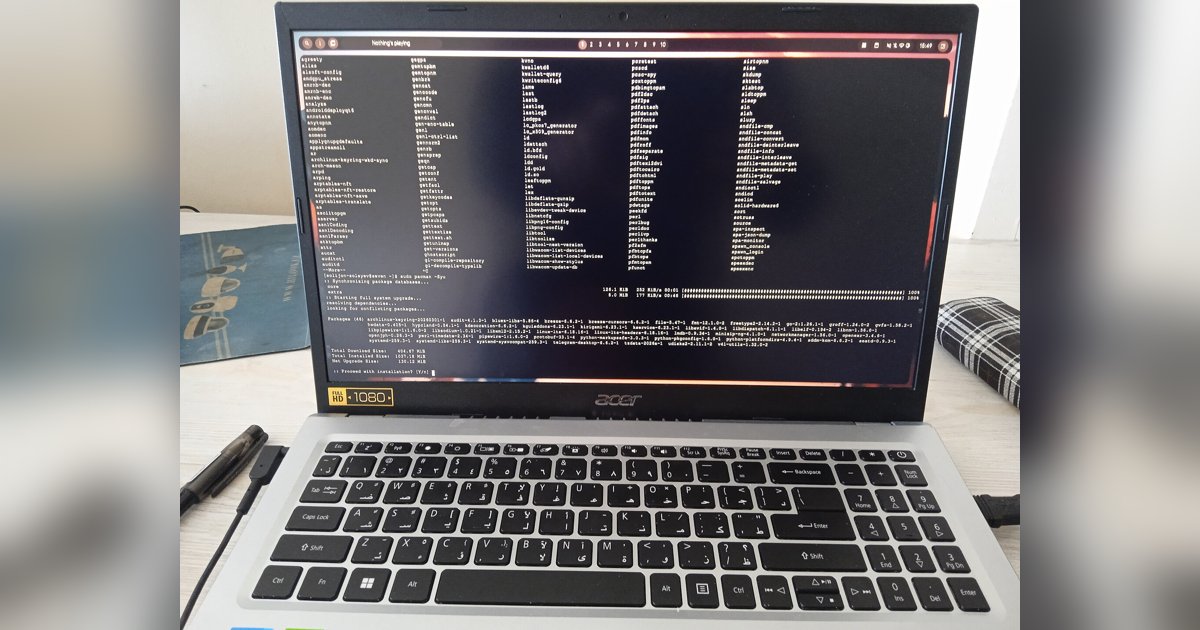
    The simplest of all software update habits is letting the machine do the work. Enable automatic updates for the operating system, browser and apps wherever the option exists. Set an installation window overnight, when the device is plugged in and idle.

    Automatic updates do carry a small chance of problems, but for most home users the protection is worth it. Businesses with specialist tools may want to test first, which is why IT departments often stage rollouts.

    When it is fine to wait a few days

    There is a case for patience with major version upgrades, such as a new yearly release of an operating system. Early versions sometimes ship with bugs, and compatibility with older apps or printers may lag. Waiting a couple of weeks and reading reports is reasonable, as long as you keep installing the smaller security patches in the meantime. For critical security fixes, though, update promptly.

    A calm routine for software update habits

    Instead of reacting to alerts, schedule it. Pick a day each month, perhaps the first Sunday, and run through a short list.

    1. Check the operating system update page on each computer and phone.
    2. Open the app store and update everything pending.
    3. Restart each device, since some updates only finish after a reboot.
    4. Log in to your router and confirm the firmware version, updating if offered.
    5. Remove apps and browser extensions you no longer use. Less software means fewer things to patch.

    Restarting is an underrated step. Many people leave a laptop sleeping for weeks, which delays updates that need a restart to take effect.

    Protect yourself before you update

    Updates rarely cause data loss, but a backup makes the risk irrelevant. Keep a recent copy of important files on an external drive or a cloud service. Make sure there is enough battery or that the device is plugged in, and free some storage space, because large updates need room to unpack.

    Beware of fake update prompts

    Criminals also exploit the habit of clicking update. A pop-up on a website claiming your browser or video player is out of date is a common trick to install malware. Real updates come from the system settings or the official app store, not from a web page or an email link. If you are unsure, close the page and go to settings yourself.

    Make it automatic and forget it

    Good software update habits are mostly about removing decisions. Switch on automation, restart once a week, review your router and old apps monthly, and keep a backup. The reward is uneventful computing: fewer breaches, fewer odd glitches and no more pop-ups making you feel guilty every morning.

    For more background, see the Wikipedia article.
    Related reading

  • Single Tasking: The Quiet Productivity Habit That Works

    Single Tasking: The Quiet Productivity Habit That Works

    Multitasking has a good reputation it does not deserve. Replying to email while on a call, scanning messages during a meeting, cooking dinner while checking the news: it feels efficient, yet it often means doing several things a little worse. Single tasking, the plain habit of finishing one thing before starting another, is one of the cheapest productivity upgrades available.

    What Actually Happens When You Switch

    Research in cognitive psychology has long suggested that what we call multitasking is mostly rapid task switching. Each switch carries a small cost: you have to recall where you were, reload the context and rebuild your train of thought. Those costs are tiny individually and surprisingly large in total.

    You have probably felt this. After checking a message, you return to a document and reread the same paragraph twice. The work was not hard; your attention was simply still elsewhere. Single tasking tries to avoid that residue.

    Start With One Block a Day

    There is no need to overhaul your life. Choose one block of 25 to 50 minutes, ideally at the time of day when your mind is sharpest, and give it to a single task. Before you begin, write the task in one sentence so you know exactly what done looks like.

    Then remove the obvious interruptions:

    • Put your phone in another room or in a drawer.
    • Close email and chat tabs rather than minimizing them.
    • Tell colleagues or housemates you will be unreachable until a set time.
    • Keep a scrap of paper nearby for stray thoughts.

    The scrap of paper is the secret. When a random errand pops into your head, you jot it down and return. The thought is captured, so your brain stops guarding it.

    Use a Timer, Not Willpower

    A timer makes single tasking feel like a game with a finish line. Knowing you only have to stay with one thing for 30 minutes is far easier than promising yourself to focus all day. Take a real break afterward: stand, stretch, look out of a window. Then begin the next block.

    Batch the Small Stuff

    You cannot single task your entire life, because some work is naturally fragmented. Email, small approvals and quick questions arrive constantly. The answer is to batch them. Pick two or three times a day to process messages, and treat them as their own focused task rather than a background hum.

    The same applies at home. Pay bills in one sitting. Answer personal messages in one sitting. Run errands in one loop rather than five separate trips. Grouping similar jobs reduces the number of times you switch gears and makes each job feel lighter.

    Single Tasking Beyond Work

    The habit pays off outside the office too. Eating a meal without a screen tends to make it more enjoyable and often slows you down enough to notice when you are full. Walking without headphones now and then lets your mind wander usefully. Giving a friend your full attention during a conversation, with the phone face down, is a kind of generosity people notice.

    Parents often find single tasking especially valuable in small pockets of time. Ten minutes of undivided play with a child usually satisfies more than an hour of distracted presence.

    Handling the Pushback

    Some workplaces reward instant replies, and single tasking can feel risky there. A few strategies help. Share your focus hours openly and offer a fast channel for real emergencies. Respond to messages in scheduled windows and mention that pattern to your team. Most people adapt quickly once they know when to expect an answer.

    You may also notice restlessness during the first few sessions. Your brain has been trained to expect constant novelty, and a quiet task can feel strangely uncomfortable. That sensation usually fades within a week or two, much like the discomfort of any new routine.

    A Small Experiment

    Try this for one week. Each morning, pick the single most important task. Work on it first for one uninterrupted block. At the end of the week, compare how much meaningful work you finished against a typical week. Many people are surprised by how much one protected hour can produce.

    Single tasking will not make a heavy workload vanish, and it is not a cure for poor planning. What it does offer is quality: work done with a clear head, fewer mistakes, and the satisfaction of actually finishing something. In a world designed to pull attention in twelve directions, doing one thing at a time is a modest but real advantage.

    For more background, see the Wikipedia article.

    Related reading